

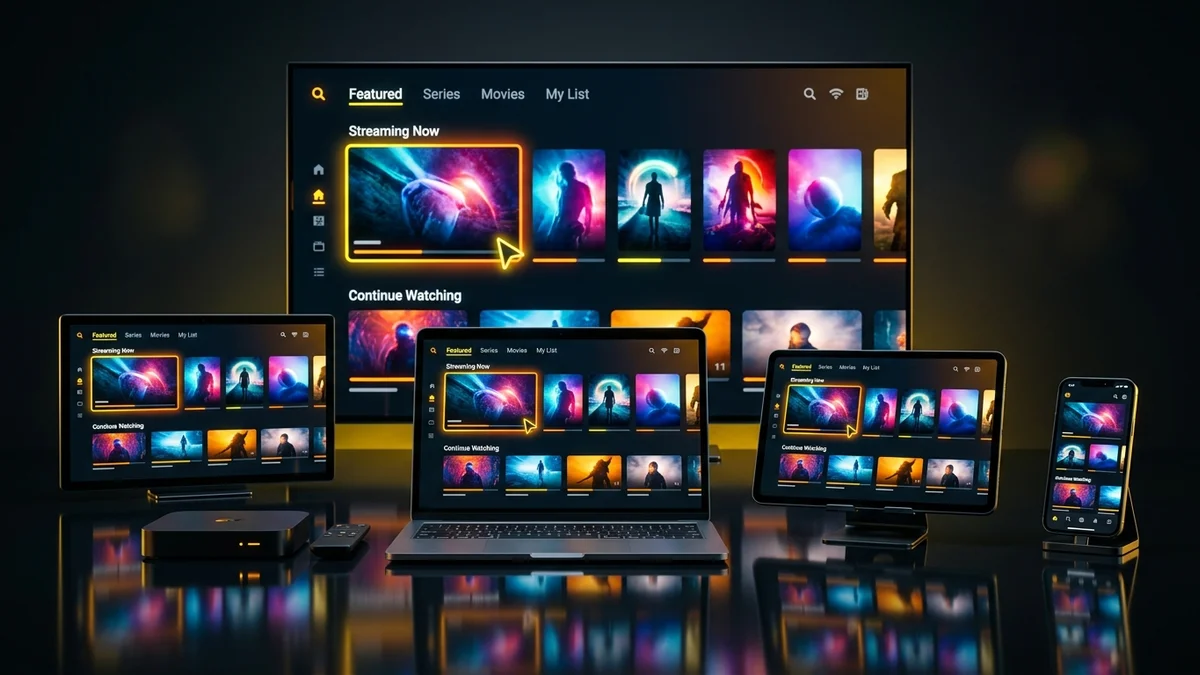
IPTV service compatibility (compatibilidad de servicio IPTV) depends on two technical layers: whether your device’s operating system supports standard streaming authentication protocols (Xtream Codes API, M3U/M3U_Plus playlists, or MAC Stalker portals) and whether its internal graphics processor includes hardware decoding for H.264 (AVC) and H.265 (HEVC) video streams. Because YEAH IPTV provides universal Xtream API and M3U credentials, a single subscription works seamlessly across virtually every modern Smart TV, streaming stick, smartphone, and computer.
Table of Contents
1. How Cross-Device IPTV Compatibility Works
Unlike cable television, which locks you into a single coaxial set-top box, YEAH IPTV separates the content delivery stream from the client player application. According to the Android Media Codec specifications and Apple HLS Authoring guidelines, any device manufactured after 2018 includes dedicated silicon capable of decoding 1080p60 and 4K 60fps H.265 streams at minimal power draw.
2. Complete Device & Operating System Compatibility Matrix
Use the reference table below to verify the recommended connection protocol and best media player app app for your hardware:
| Device / Platform | Operating System | Best Protocol | Recommended Apps | Max Resolution |
|---|---|---|---|---|
| Amazon Fire TV Stick / Cube | Fire OS 7 & 8 | Xtream Codes API | TiviMate, IPTV Smarters Pro, XCIPTV | 4K UHD 60fps (HEVC) |
| Nvidia Shield / Chromecast / Sony | Android TV / Google TV | Xtream Codes API | TiviMate, Smarters Pro, Televizo | 4K UHD 60fps / 8K |
| Samsung & LG Smart TVs | Tizen OS & LG webOS | Xtream API / M3U | IBO Player, Smarters, Flix IPTV | 4K UHD (2019+ Models) |
| Apple TV 4K, iPhone & iPad | tvOS & iOS / iPadOS | Xtream Codes API | UHF, GSE Smart IPTV, Smarters Lite | 4K UHD 60fps (Dolby) |
| Windows PC, Mac & Linux | Windows 11 / macOS | M3U_Plus / Xtream | VLC Media Player, Smarters Desktop, Kodi | Up to 8K UHD |
3. Smart TVs vs. External Streaming Sticks (Firestick & Android TV)
While Samsung Tizen and LG webOS Smart TVs can run native IPTV apps directly from their built-in app stores, televisions older than 4–5 years often have limited internal flash memory (under 1 GB free) for storing large XMLTV program guides. Connecting an external Amazon Fire TV Stick 4K Max or Google TV box upgrades your television with a modern quad-core processor, Wi-Fi 6E reception, and full access to Android TV player features like 4-screen Multi-View.
4. Resumen en Español: Compatibilidad de Servicio IPTV por Dispositivo
Guía Rápida de Compatibilidad de Servicio IPTV:
El servicio de YEAH IPTV ofrece compatibilidad universal con cualquier dispositivo conectado a internet mediante API Xtream Codes (Usuario, Contraseña y URL del Servidor) o listas M3U / M3U_Plus:
- Smart TVs (Samsung Tizen, LG webOS, Hisense VIDAA, Sony Google TV): Compatible mediante aplicaciones como IBO Player, IPTV Smarters y TiviMate.
- Dispositivos de Streaming (Amazon Fire TV Stick 4K, Xiaomi Mi Box, Nvidia Shield, Chromecast): Decodificación por hardware H.265/HEVC para canales en 4K a 60fps sin cortes.
- Apple y Móviles (Apple TV 4K, iPhone, iPad, Smartphones Android) y PC (Windows/Mac con VLC): Configuración instantánea en menos de 3 minutos.
Frequently Asked Questions
Any internet-connected device supporting M3U playlists, Xtream Codes API, or Stalker MAC portals is compatible with IPTV—including Amazon Fire TV Stick, Android TV boxes, Samsung Tizen and LG webOS Smart TVs, Apple TV/iOS, Windows/macOS computers, and Formuler/MAG set-top boxes.
El servicio IPTV es compatible con Smart TVs (Samsung, LG, Sony Android TV), Amazon Fire TV Stick, Chromecast con Google TV, Apple TV, iPhone/iPad, smartphones Android, PC Windows/Mac y decodificadores MAG o Formuler mediante listas M3U o API Xtream Codes.
Smart TVs manufactured before 2018 often lack a dedicated hardware 10-bit H.265 (HEVC) decoder or sufficient RAM buffer, which can easily be solved by plugging an external 4K Firestick or Google TV streamer into the HDMI port.
Ready to Experience Buffer-Free 4K & 60fps Streaming?
Activate your YEAH streaming subscription in minutes with Xtream Codes API & M3U credentials, full XMLTV EPG, and 24/7 technical support.
Related Tutorials & Guides
XCodes IPTV (Xtream Codes API) vs. M3U Playlists →
See which authentication protocol works best for your specific device and player app.
Watching IPTV on VLC Player, Plex DVR & Stremio →
Step-by-step instructions for desktop media players and home-lab media servers.